
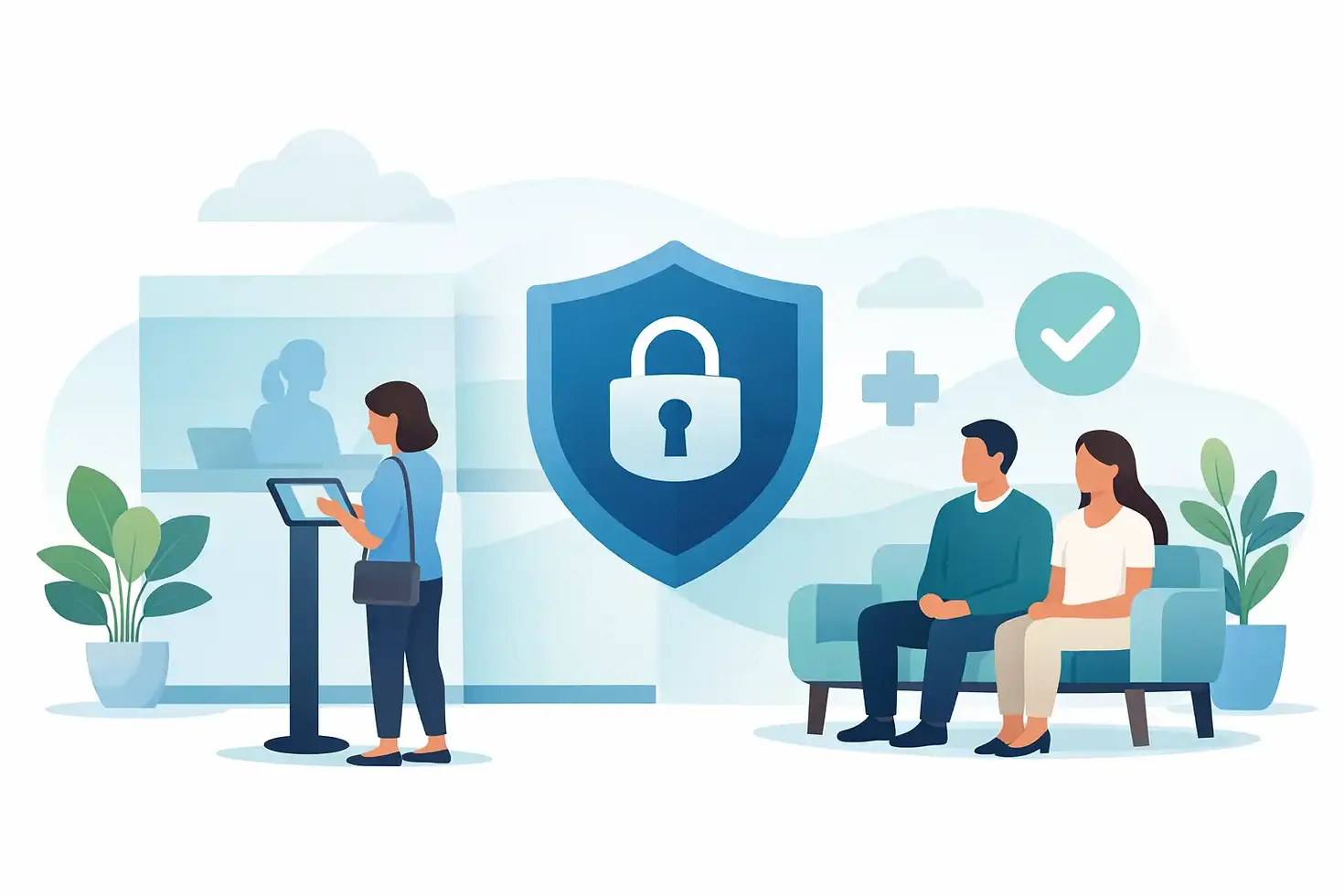
HIPAA Compliant Patient Check-In That Feels Calm
- karl50784
- Jul 20
- 5 min read
A patient arrives early while you are halfway through a conversation that needs your full attention. They hesitate in the hallway, knock softly, or sit wondering whether anyone knows they are there. You feel the interruption before a word is spoken.
A HIPAA compliant patient check-in process changes that moment. It gives arriving patients a clear, private way to let you know they have arrived, while allowing you to stay present with the person in front of you. For small practices without a full-time receptionist, that is not a minor operational improvement. It protects the tone of your space.
The arrival moment is part of care
For therapists, counselors, acupuncturists, physicians, and wellness practitioners, an appointment does not begin when a patient enters the treatment room. It begins when they walk through the door.
A confusing arrival can create unnecessary anxiety. A patient may wonder whether they are in the right place, whether they should interrupt, or whether other people can hear why they are there. Meanwhile, the practitioner may feel pulled between acknowledging the arrival and honoring the confidentiality and attention owed to the current patient.
Traditional reception desks solve some of this, but they are not realistic or necessary for every office. Many solo practices and small teams are intentionally designed around quiet, focused care rather than a busy front desk. The goal is not to add more administrative machinery. It is to make one common moment feel settled and professional.
What HIPAA compliant patient check-in should accomplish
A check-in tool should be simple enough for patients to use without instruction. More importantly, it should support the privacy expectations that come with healthcare and sensitive services.
At a basic level, the patient should be able to confirm their arrival without announcing it across a waiting room or explaining themselves to another person. The practitioner should receive a prompt notification, ideally without displaying unnecessary health information. Then the appointment can continue without an awkward interruption.
That sounds straightforward, but the details matter. A patient check-in process should minimize what is collected and displayed. It should avoid exposing a list of names to the next person who walks up to the device. It should also make thoughtful choices about notifications, so an arrival alert does not include more information than the practitioner needs to know.
HIPAA compliance is not just a label applied to an app. It is also a practice commitment. Your settings, policies, devices, and the way your team uses a tool all matter. A privacy-conscious check-in system can support that commitment, but it works best when it is paired with sensible office habits.
Keep the check-in screen intentionally simple
For most appointment-based offices, a patient only needs to do one thing: indicate that they have arrived. Asking for a detailed reason for the visit, symptoms, or additional personal information at the lobby iPad can create more exposure than the moment requires.
A simple prompt also feels better. Patients do not need to decipher a complicated kiosk, create an account, or stand in a shared space filling out a long intake form. They can check in, sit down, and know that you have been notified.
Treat notifications with care
Arrival notifications are useful because they replace the knock on the door. But a useful notification does not need to be overly descriptive.
For example, a neutral alert that a patient has arrived can be enough to help you manage the transition between appointments. Consider where that alert appears, who can see your phone or inbox, and whether notification previews are visible on a lock screen. These small choices help align the technology with the privacy you already work hard to provide.
A calmer workflow for small practices
The most effective workflow is often the least complicated one:
1. The patient checks in on an iPad in the lobby or waiting area.
2. You receive a text or email notification that they have arrived.
3. You continue the session or service in front of you, then greet the next patient when you are ready.
There is no need for patients to knock, hover outside a door, or wonder whether they have been forgotten. There is no need for you to monitor the hallway between conversations. Everything just flows better.
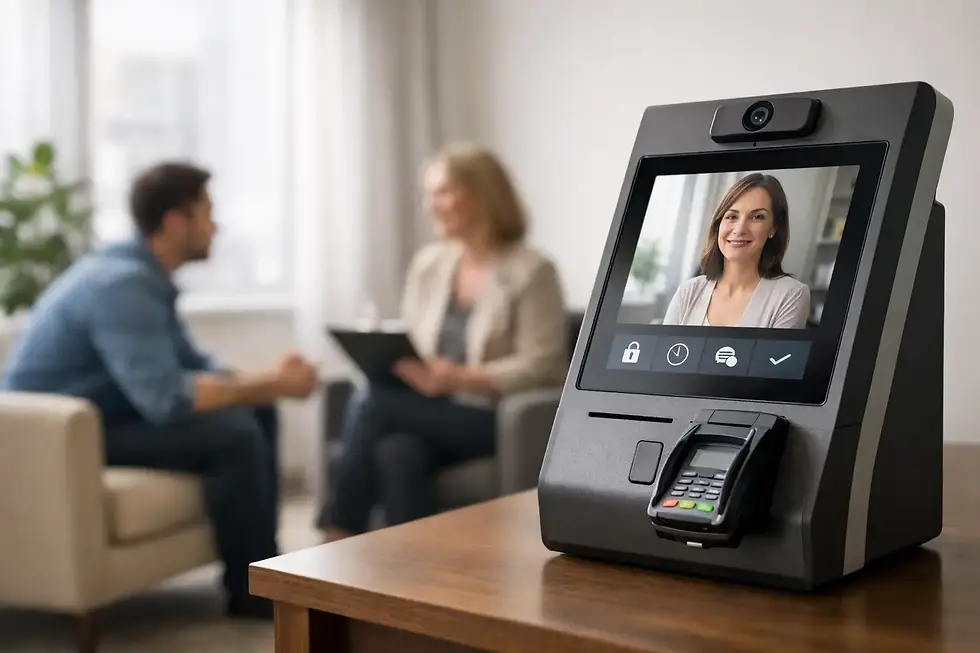
Purple Couch App is built around this kind of arrival experience. It is an iPad-based check-in tool for small, appointment-driven spaces that want a professional welcome without the cost and complexity of a traditional front desk. Patients check in, practitioners receive an arrival notification, and the focus stays where it belongs.
Privacy without making your office feel corporate
Some visitor-management systems are designed for large offices with badges, visitor logs, security approvals, and layered administrative workflows. Those features may be appropriate in certain settings. They can also feel out of place in a counseling office, wellness studio, or small medical practice where the experience should be personal and calm.
A HIPAA compliant patient check-in approach should fit the environment. It should feel reassuring rather than institutional. An iPad placed thoughtfully near the entrance can offer a clear next step without turning your waiting area into a transaction counter.
This is especially meaningful in practices where patients may arrive emotionally vulnerable. A therapy client may be gathering themselves before a session. A patient visiting an acupuncture clinic may be seeking relief from pain. A person arriving for a sensitive medical appointment may not want to speak their name or purpose aloud. A quiet check-in option respects all of those realities.
The practical safeguards worth reviewing
Before introducing any digital check-in process, take a few minutes to consider the full experience. The technology is only one part of what patients encounter.
Place the device where patients can use it without others easily viewing the screen. Keep the screen clean and easy to read, with a clear instruction such as “Check in when you arrive.” Use a device passcode and keep the iPad’s software current. If multiple people work in the practice, decide who receives notifications and what happens if the primary practitioner is unavailable.
It also helps to review the vendor relationship and your own HIPAA obligations. Healthcare practices may need a business associate agreement when a vendor creates, receives, maintains, or transmits protected health information on their behalf. The right arrangement depends on the information involved and how the service is used, so it is wise to evaluate your specific workflow and compliance requirements.
For some offices, text alerts are the preferred option because they are immediate. Others prefer email because their phones are not readily accessible during sessions. Neither choice is universally right. What matters is that the alert reaches the appropriate person without disclosing more than necessary.
A better first minute for patients and practitioners
The value of a thoughtful check-in system is easy to underestimate because the action itself takes only a few seconds. But those seconds shape the first minute of an appointment.
When patients know exactly what to do, they are less likely to feel awkward or overlooked. When practitioners know an arrival can be acknowledged without breaking concentration, they can stay more fully engaged. And when an office handles this transition quietly, it communicates care before anyone says a word.
A calm check-in process will not replace clinical judgment, warm greetings, or the relationships you build over time. It simply removes one recurring friction point that does not need to be there. In a space designed for attention and trust, that is a meaningful kind of support.


Comments